EDA 4.0 Support

Video Tutorials

Coming soon...

Image

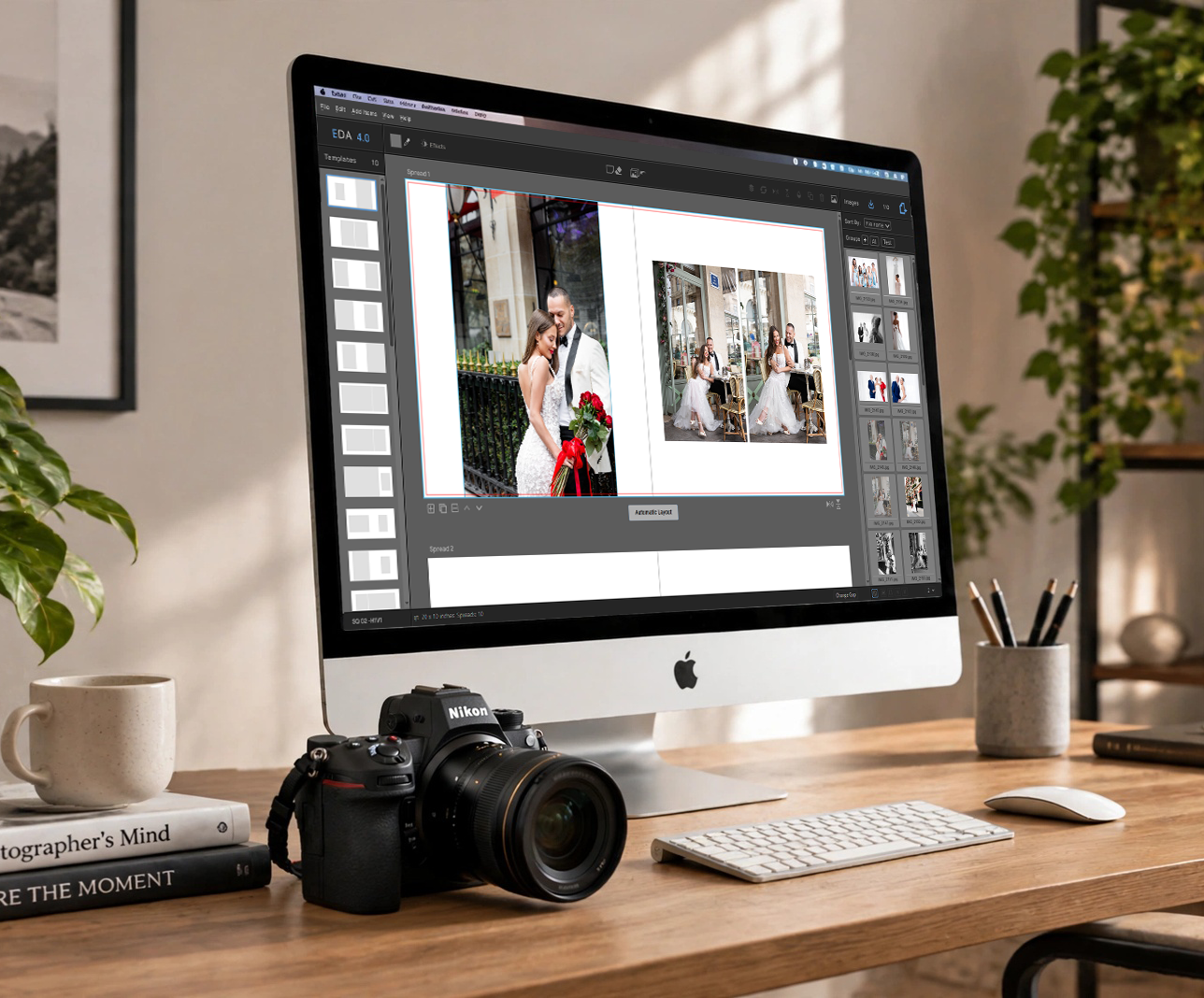
We're preparing a complete series of step-by-step video tutorials for EDA 4.0.

The tutorials will guide you through the entire album-design workflow, from getting to know the interface and creating your first album to organizing images, designing pages, working with Masks, and discovering the many features of EDA 4.0.

The videos will be added to this page as they become available.

In the meantime, you can explore the complete EDA 4.0 Help File for detailed information about the application and its features.

.

Image

Get to know the interface 5:26 min

Get familiar with the interface. Learn how to navigate and all the tools and options that EDA offers you.

Image

Create your first album 4:19 min

Learn how to create your first album, modify it, duplicate it, or change its aspect ratio. 

Image

Import images - Create groups 6:08 min

Learn the various ways of importing images, applying color labels and organize them in groups.

Image

Make your first page 6:12 min

It's time to create your first page. See how easy it is to create a page, based on templates or starting from scratch.

Image

About Masks 4:23 min

Masks is a very powerful feature of EDA. Learn the various ways you can create and use them on your images.

Image

Make & Save a Template 4:11 min

Learn how easy it is to create and save for future use your own Templates in EDA.


Help & Resources

Still need help?

Our support team is here if you can't find the answer.
EDA 4.0 · Windows · macOS · Linux